Beamline control
All beamline components and detectors are controlled using EPICS and areaDetector.
Each device can be configured and controlled either through a graphical user interface (GUI) or from Python using PyEpics.
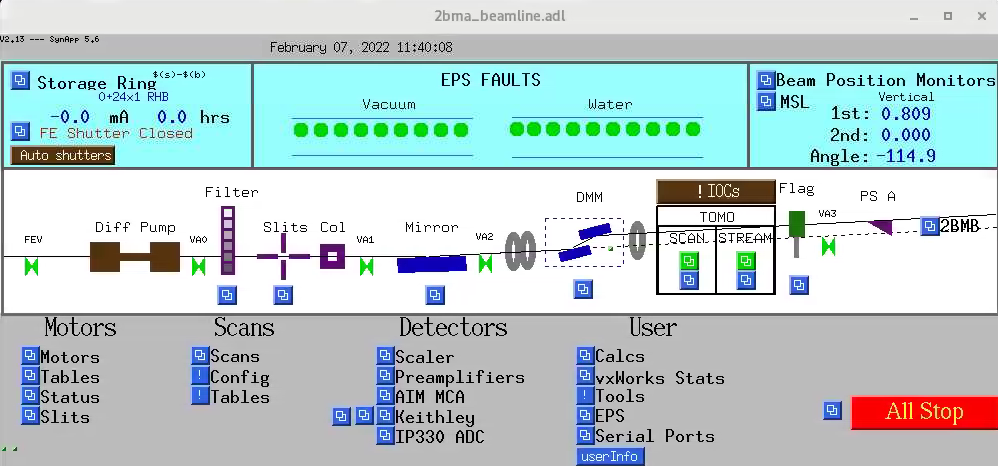
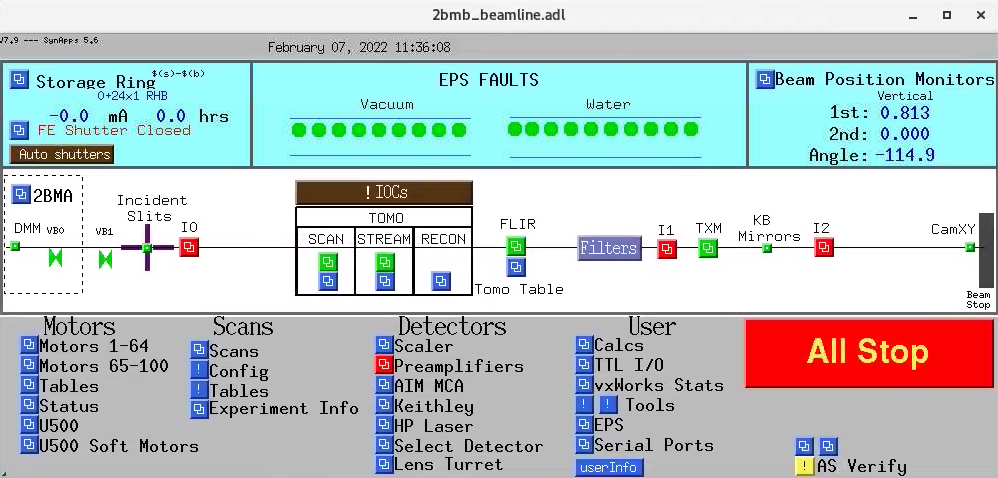
To start the main 2-BM beamline control user interface, run:
[2bmb@arcturus,42,~]$ start_epics
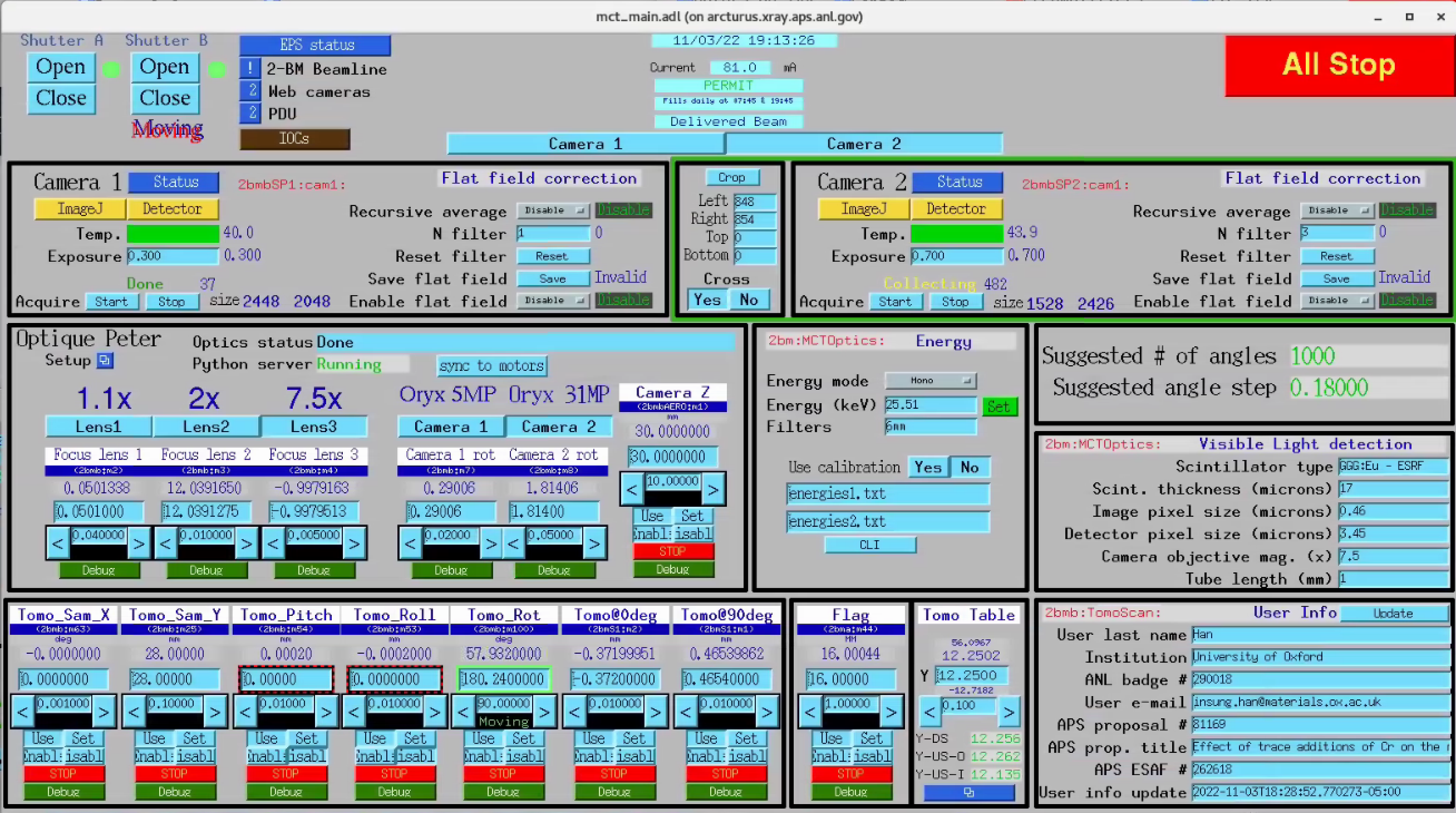
To open the tomography administrative screens directly, use:
[2bmb@arcturus,42,~]$ start_tomo_scan
[2bmb@arcturus,42,~]$ start_tomo_stream
Warning
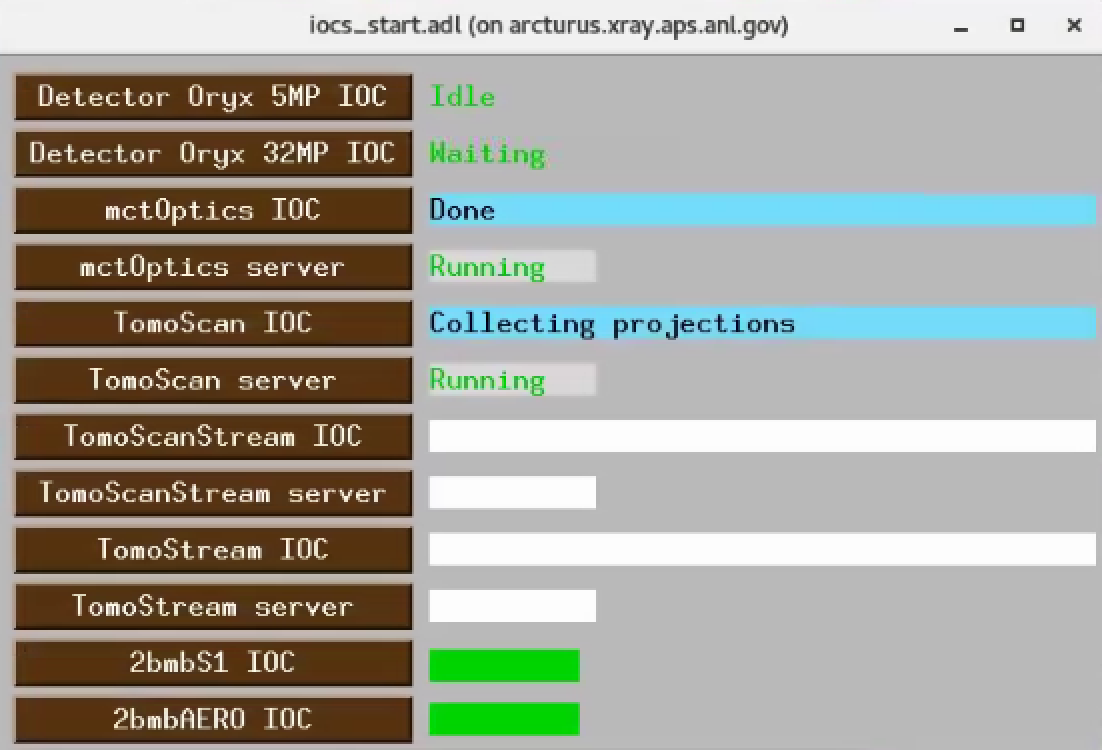
If any of the screens above show white fields, the corresponding EPICS
IOC is not running. To check, start, or stop any IOC associated with
tomography, use the ioc_start user interface: