Tomography control
The main control screens for tomography at 2-BM-B provide access to scanning, streaming data collection, and real-time reconstruction.
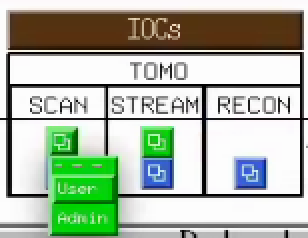
From the main 2-BM-B beamline control interface, select the corresponding button or menu entry for Scan, Stream, or Recon to open the appropriate tomography control screen:
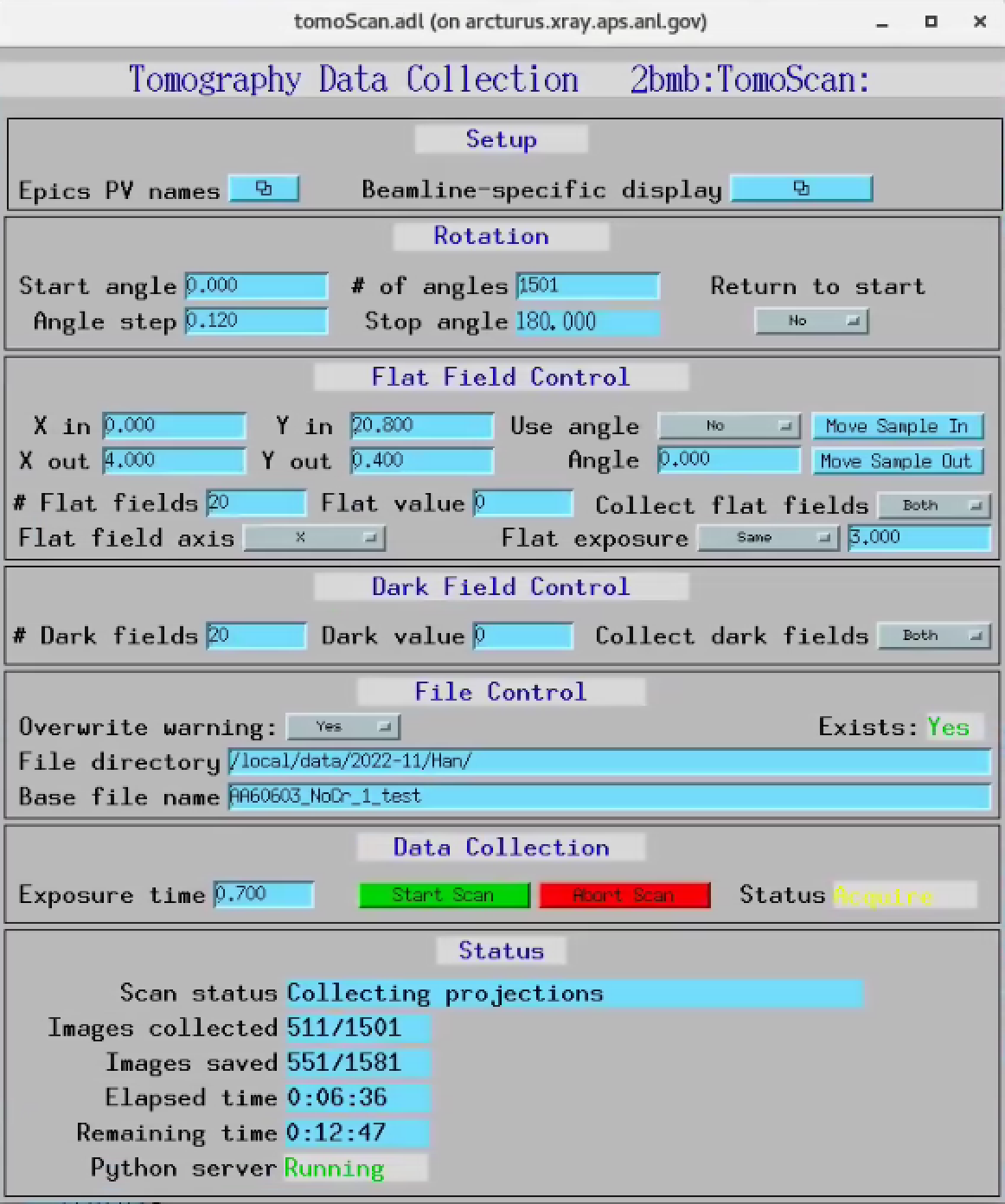
TomoScan
The TomoScan interface is used for standard step-scan or fly-scan tomography acquisitions. It provides control of scan geometry, exposure parameters, motion axes, and basic acquisition settings.
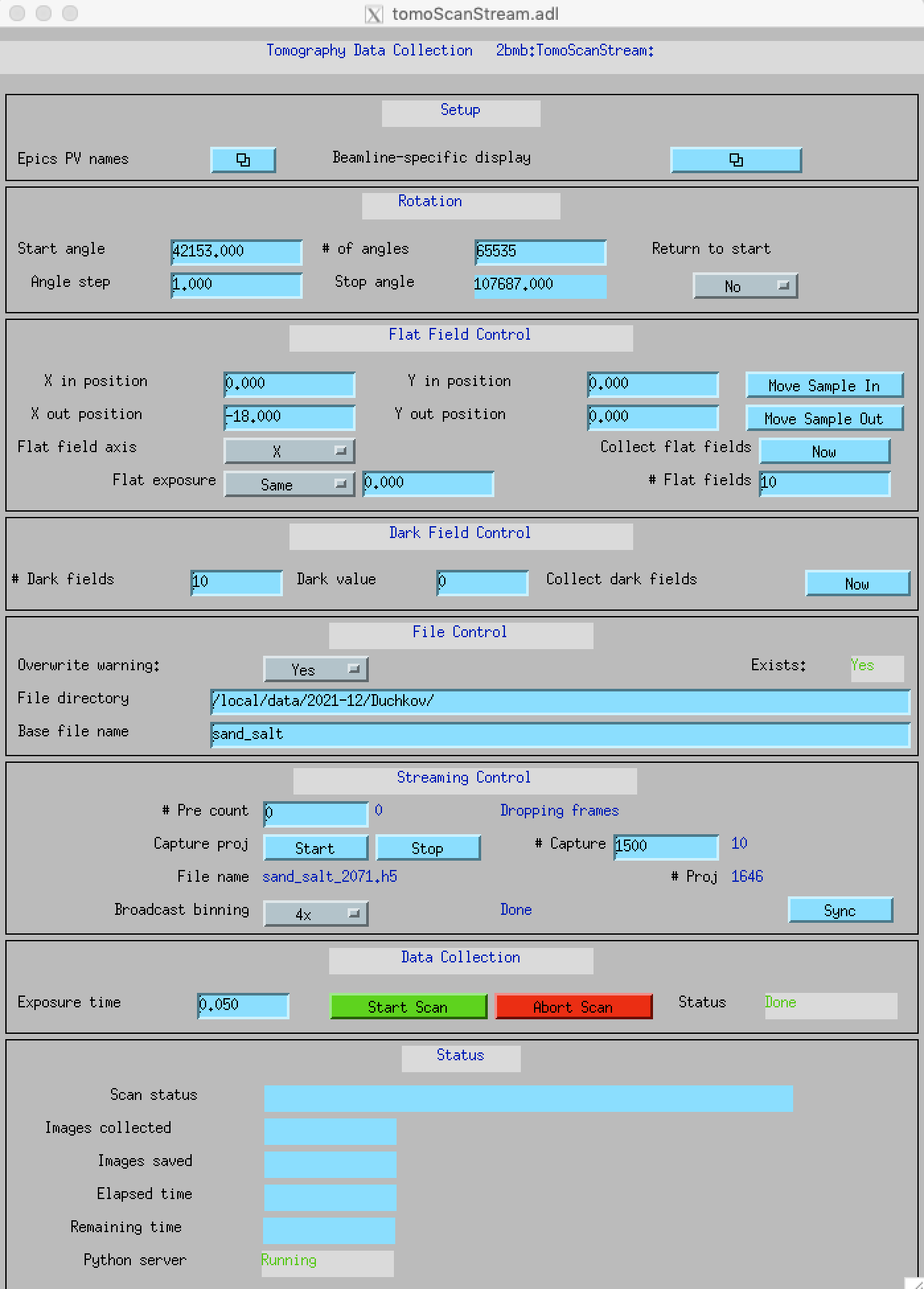
TomoScanStream
The TomoScanStream interface is used for continuous (streaming) tomography data collection. It is typically used for high-throughput or time-resolved experiments where data are acquired continuously while the sample rotates.
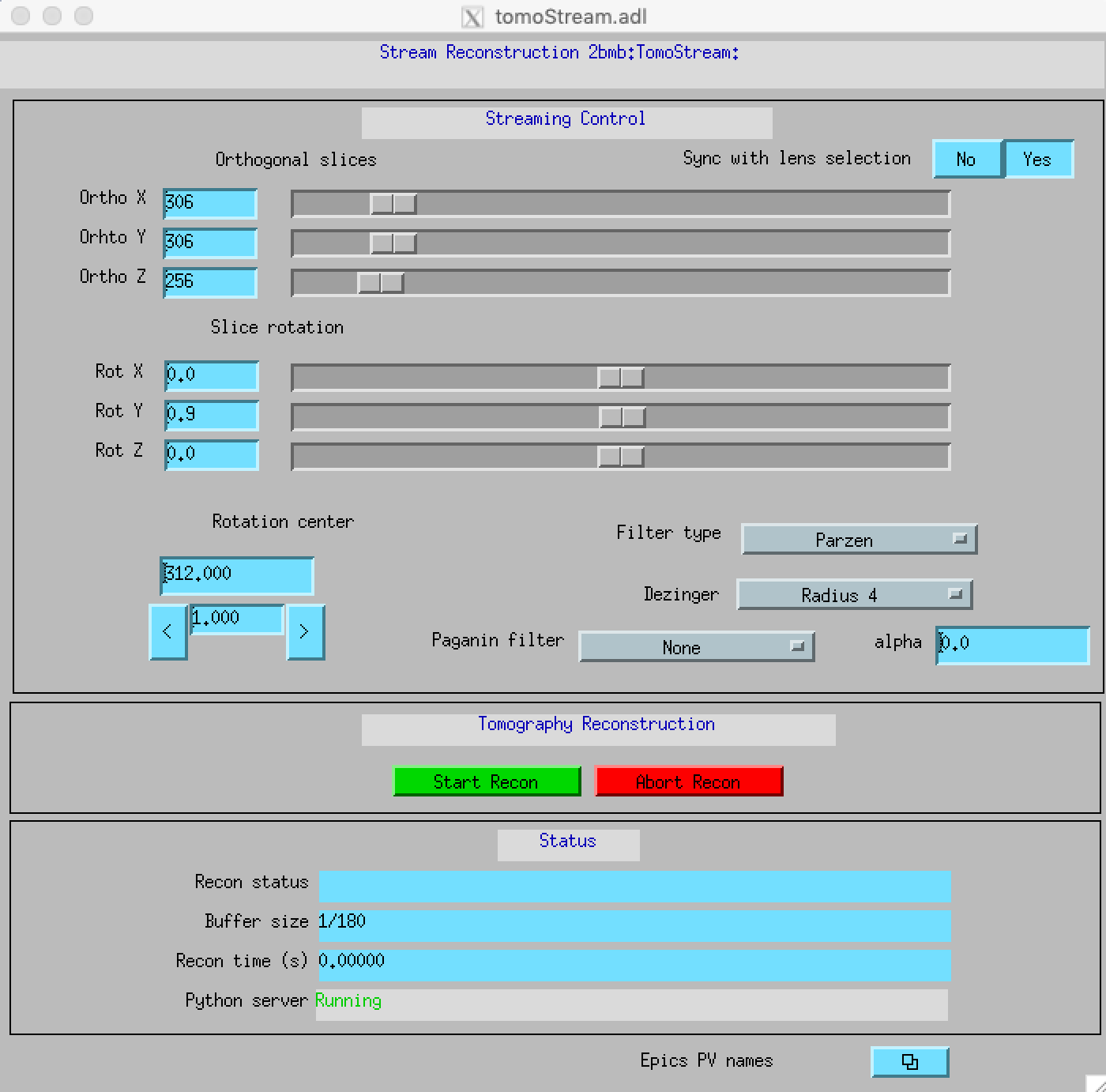
TomoStream
The TomoStream interface is used for real-time or near real-time reconstruction and visualization of tomography data. It allows users to monitor reconstruction quality and adjust experimental parameters based on immediate feedback.