Jena NV100D
EPICS IOC startup
Start the Jena NV100D EPICS support on arcturus:
[2bmb@arcturus]$ cd /net/s2dserv/xorApps/epics/synApps_6_3/ioc/JenaNV100D/iocBoot/iocJenaNV100D
[2bmb@arcturus]$ ../../bin/rhel9-x86_64/JenaNV100D st.cmd.Linux
Network configuration
Controller IP addresses:
X: 10.54.113.79
Y: 10.54.113.29
MEDM control screens
Access the MEDM control screen for both motors from the lower-right corner of the mct_optics screen:
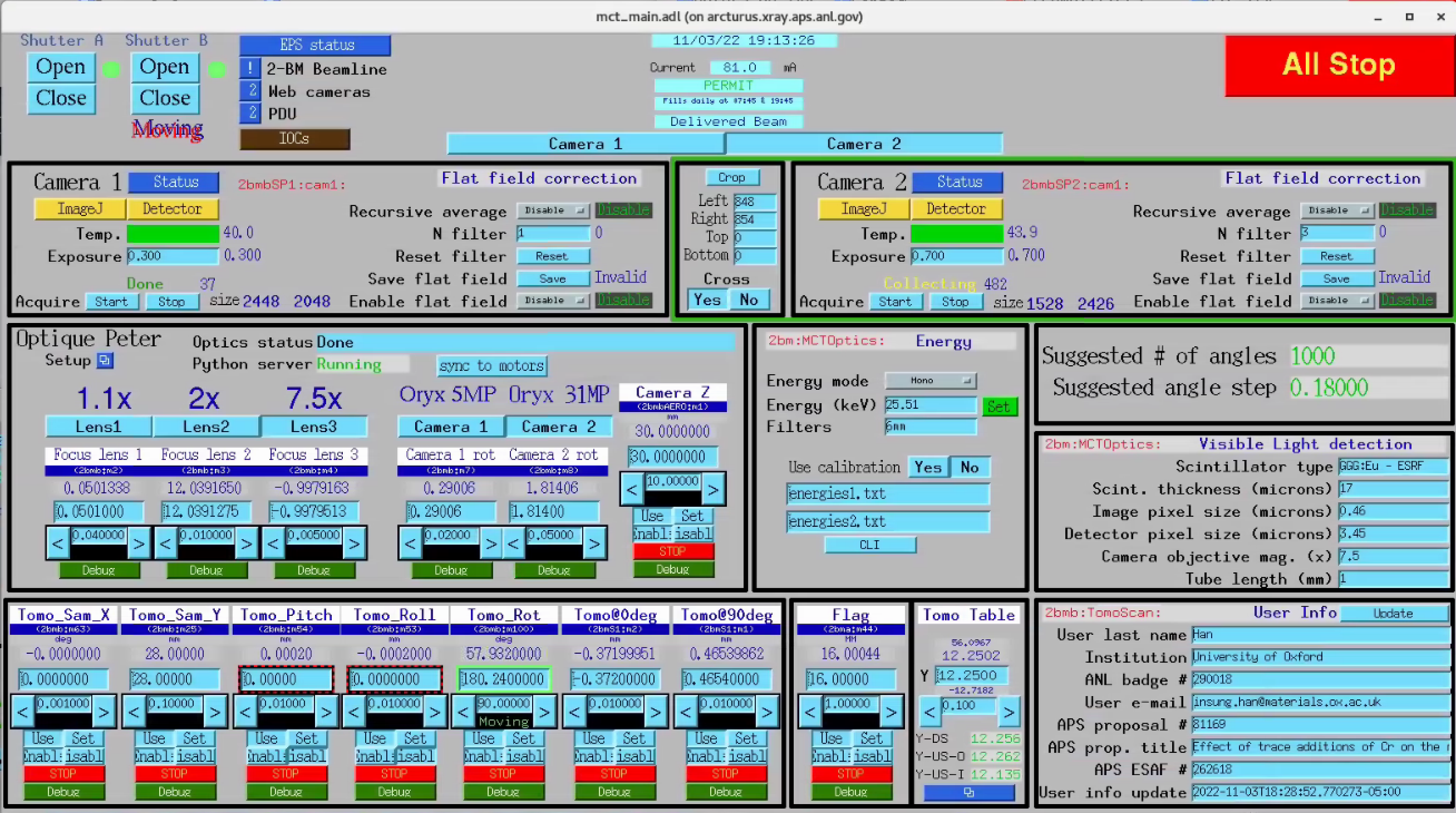
mct_optics control screen
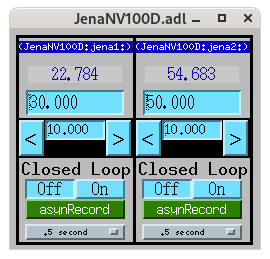
Jena NV100D MEDM screen
Device configuration
The controller can be configured via its web interface:
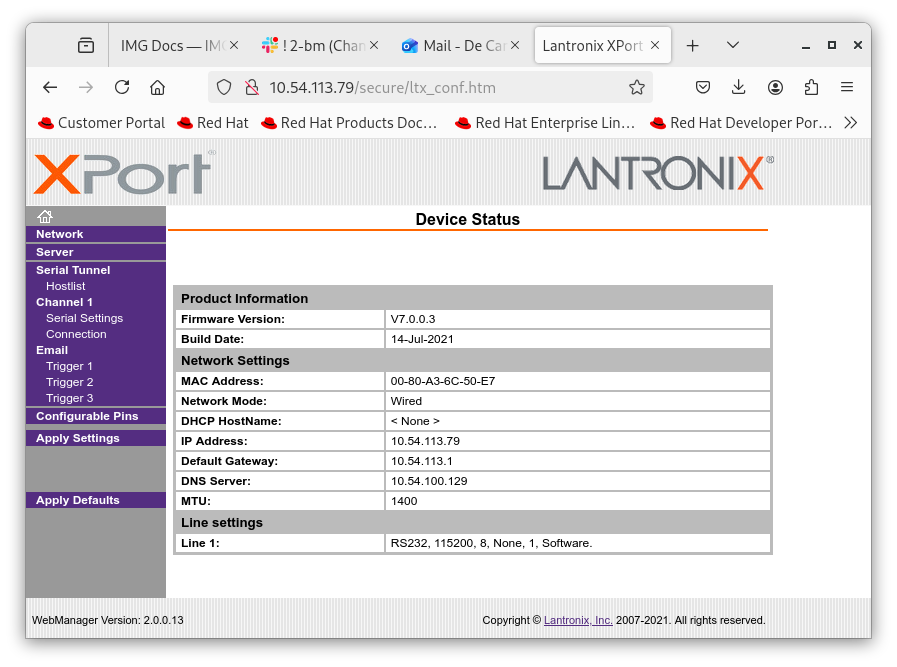
Web configuration
caqtdm interface
Start the caqtdm interface:
[2bmb@arcturus]$ /net/s2dserv/xorApps/epics/synApps_6_3/ioc/JenaNV100D/iocBoot/iocJenaNV100D/softioc/JenaNV100D.pl caqtdm
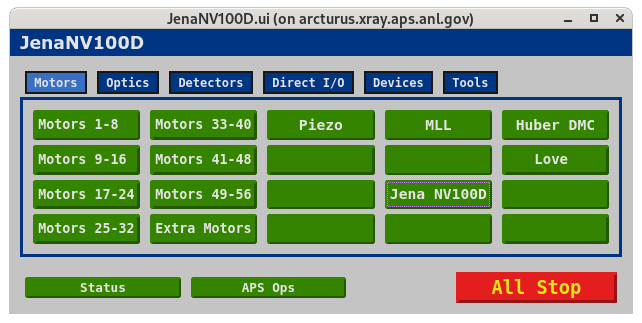
caqtdm main screen
The Jena NV100D control panel is available under Jena NV100D:
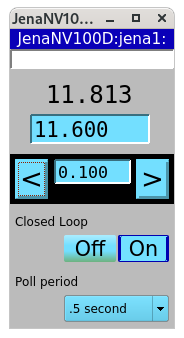
caqtdm panel for Jena NV100D. Units are Volts in open-loop mode and µm in closed-loop mode.
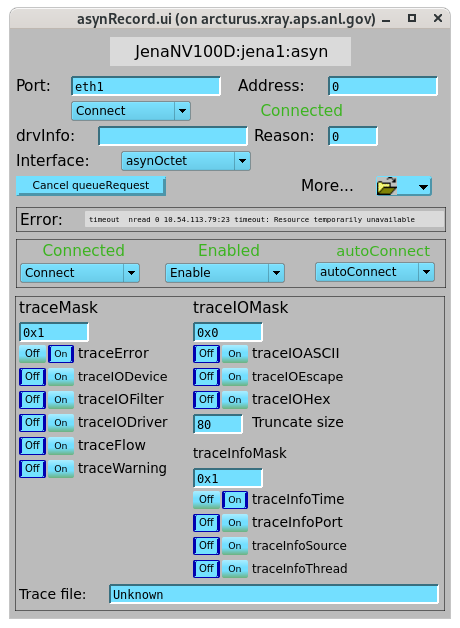
caqtdm control screen for Jena NV100D